Your rover is
a base station now.
FastRTK2Go converts the GNSS rover already in your kit into a temporary RTK base station — with a mobile app and a couple of button clicks. Supplement your own network, or piggyback off a paid one, and broadcast corrections to every rover on the job.
How it works
3 button clicks away from a local base station.
Reference coordinate
Five ways to set it.
One of them is a tap.
A base is only as good as its reference coordinate. FastRTK2Go gives you a method for every situation — from fully automatic to fully surveyed.
Auto
RecommendedFastRTK picks the closest correction source and finds a precise position automatically — the 30-second averaging flow from the diagram above. One tap.
Saved Coordinate
One tap awayReuse the reference from a previous setup. Return to the same control point tomorrow and be broadcasting in seconds.
Advanced options
Manual Coordinate
Type in a surveyed latitude, longitude, and altitude.
RTK
Pick an NTRIP caster yourself and average a precise position.
Approximate Position
A single autonomous fix from the receiver. Lower accuracy — made for the post-processing workflow below.
Where it earns its keep
Built for the jobs that break network RTK.
Construction sites
Plant one temporary base and the whole site is covered — layout, grade checks, machine control. Every rover works from the same short baseline, and nobody is paying per seat.
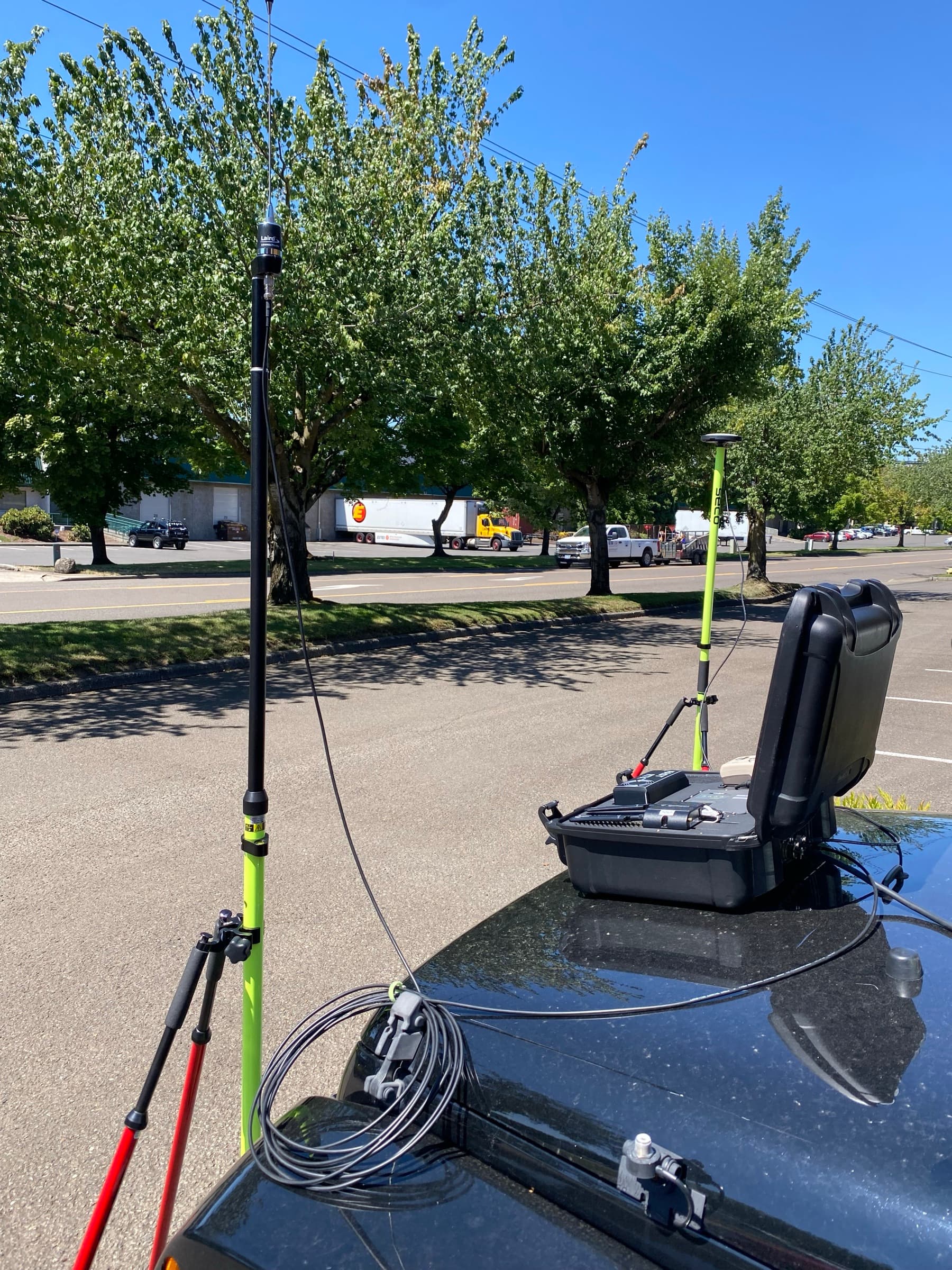
Utility capture in tough GNSS
Urban canyons and tree canopy are where distant network stations give up. A base a few hundred meters away holds a fixed solution where a 30 km baseline can’t.
Remote areas, on Starlink
The only requirement is internet — it doesn’t care how you get it. A Starlink dish and FastRTK2Go make a correction network a hundred miles from the nearest cell tower.
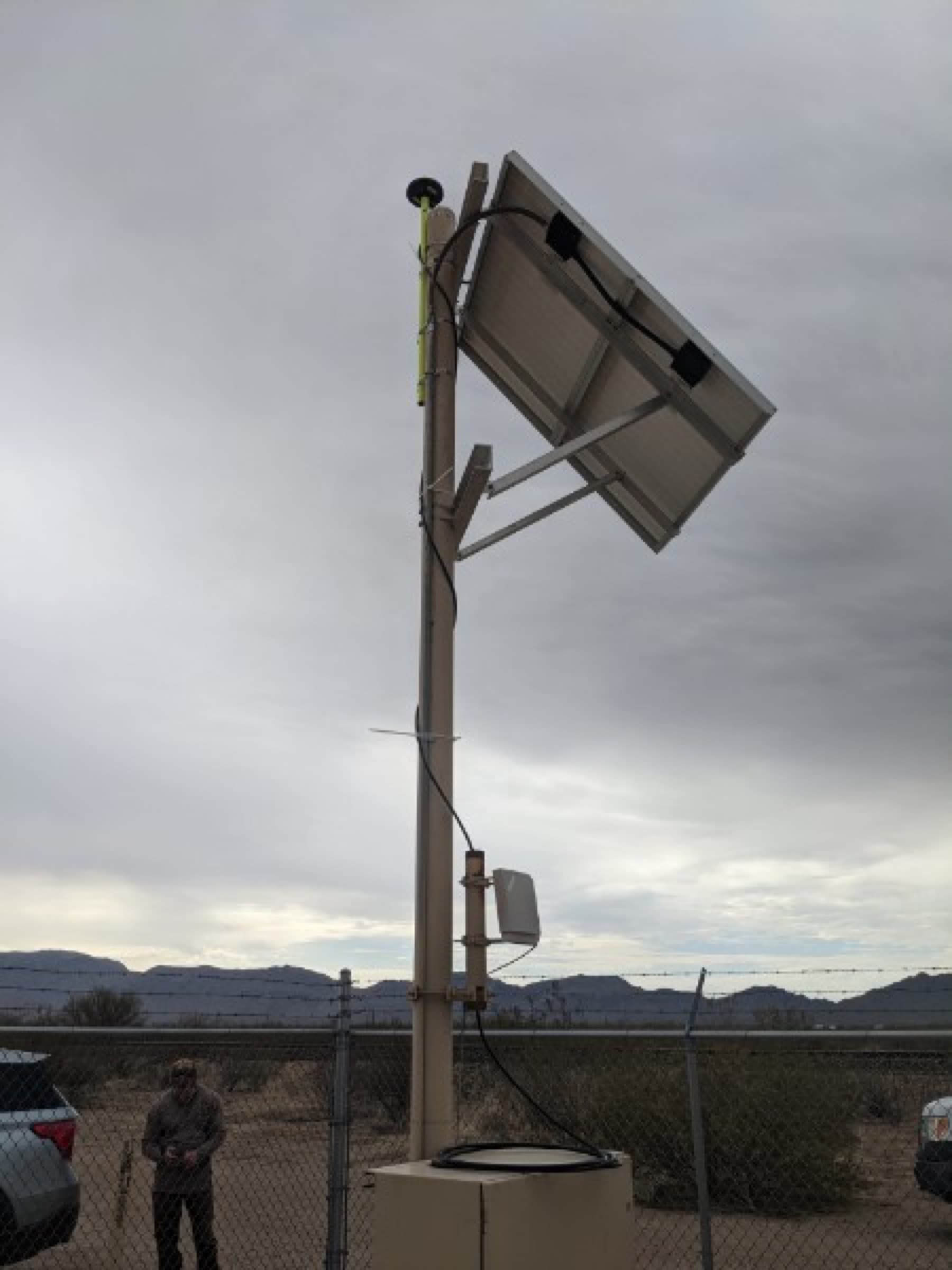
No known reference? Collect anyway.
Start from Approximate Position and get the crew working. The base logs raw observations the whole time — download the RINEX from the FastRTK portal afterward, post-process the true position, and reconcile your data.
- 01 approximate fix → start broadcasting
- 02 crew collects all day
- 03 portal → download RINEX
- 04 post-process → true position ✓
The result?
RTK FixedBase-grade
RTK performance
A short baseline to a base you just planted — the best RTK geometry money can buy.
Consistent FIX
in challenging places
Canopy, canyons, urban multipath — a close temporary base holds a fixed solution where distant network stations struggle.
∞ rovers
one temporary base
Corrections broadcast through the FastRTK service to every rover on the job. No per-seat anything.
Bring the receiver you own
Works with Eos & Skadi rovers
FastRTK wraps Eos Positioning Systems GNSS receivers — the same rover you collect with becomes the base when you need one.
- Skadi 200
- Skadi 300
- Skadi Gold
- Arrow 200
- Arrow 300
- Arrow Gold
On the rover side — every brand
Corrections broadcast over standard NTRIP as RTCM3 MSM4 / MSM5 / MSM7 — any GNSS RTK receiver can consume them, no matter who made it.
Two ways to use it
Supplement your FastRTK network
Fill a coverage gap for the day. The temporary base appears in your fleet dashboard beside your permanent stations.
Piggyback a paid network
Use one subscription seat for the 30-second reference average, then serve your whole crew from the temporary base — short baseline, no more seat-cap roulette.
A base station in your pocket,
wherever the work is.
Requires internet connectivity on the mobile device.